bookbinding 101
DID YOU KNOW that you don’t have to buy notebooks, sketchpads, planners etc, even books, but instead you can make them yourself!
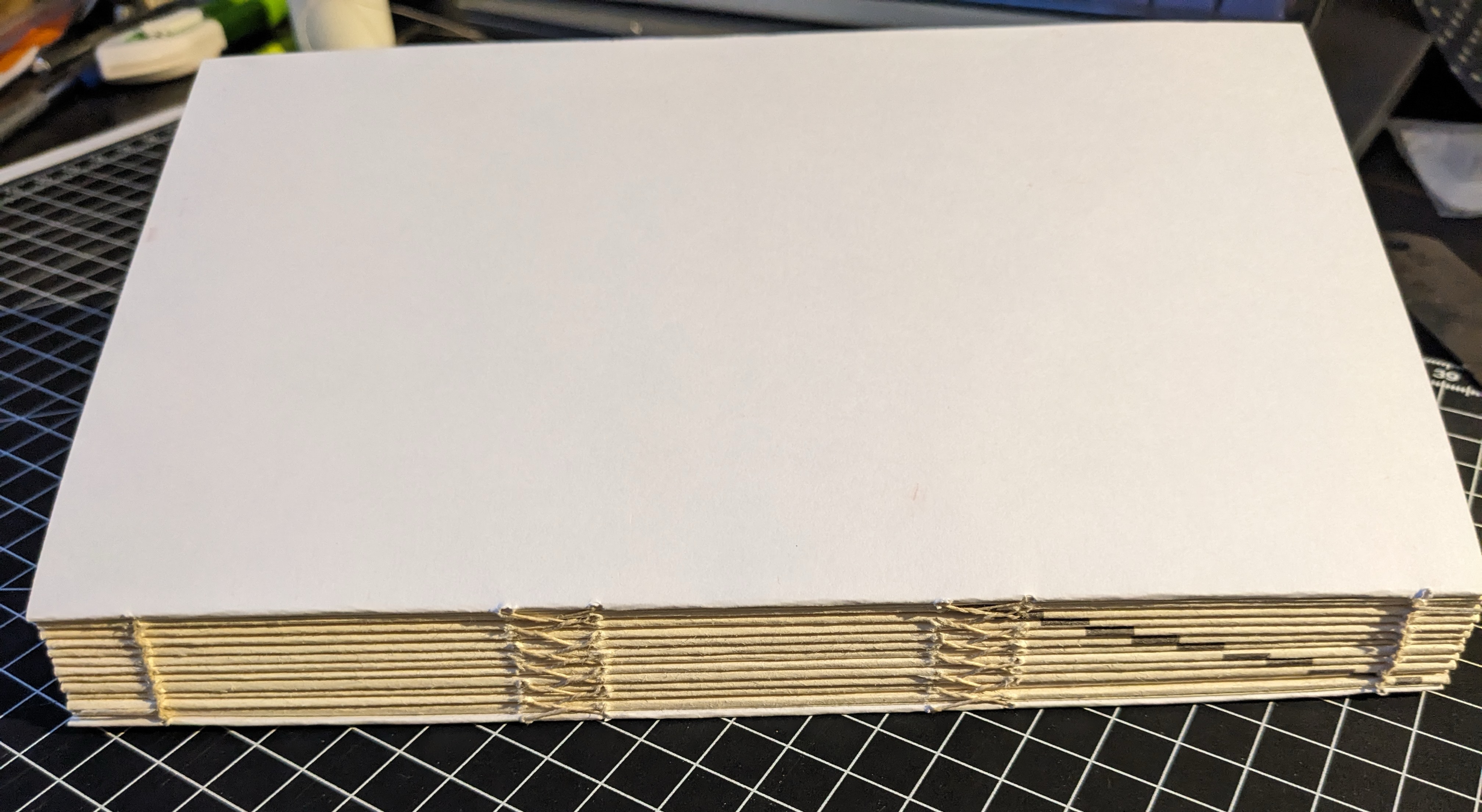
I’ve spent the last few months learning this new hobby, and I have to say, for a book lover, bookbinding is not just a cool skill to have—it feels close to a superpower. Just imagine being able to make any book you want, the way you want it (or even better, a way you didn’t know was possible).
And if you persevere, the good news is it’s really not that hard, even for a total klutz like me.1
Where to start?
The Bookbinding Basics video playlist on the Four Keys Book Arts channel has to be the best entry point. The filmmaking is really nice, so the videos are very enjoyable in themselves, as well as motivating you to get the tools, learn the basics (really not a lot!) and jump in. Videos 1-3 are especially useful, I watched and rewatched them as I was getting started. Videos 4 and 6 are not essential,2 but don’t skip Video 5: Bricks! Maybe the most surprising bit of a bookbinding toolset, I use my bricks all the time.
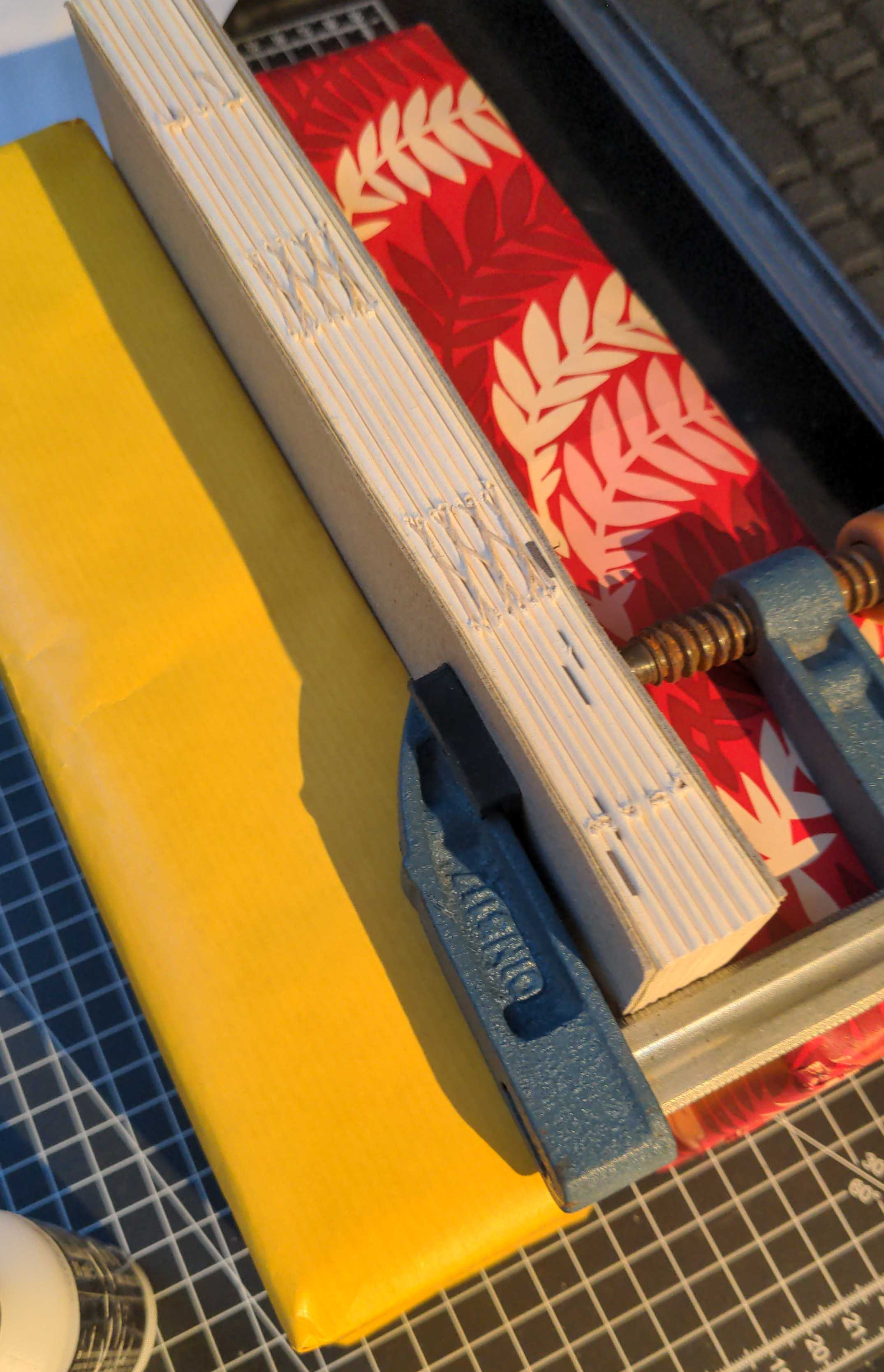
I made a couple of my first books using the Slotted Wrapper binding, as demonstrated in Video 3 in that series, which follows the instructions in the Books Without Paste or Glue book by Keith A. Smith. Smith is an exceptional book binder and artist; he’s made 200+ books which you can explore further down the line.
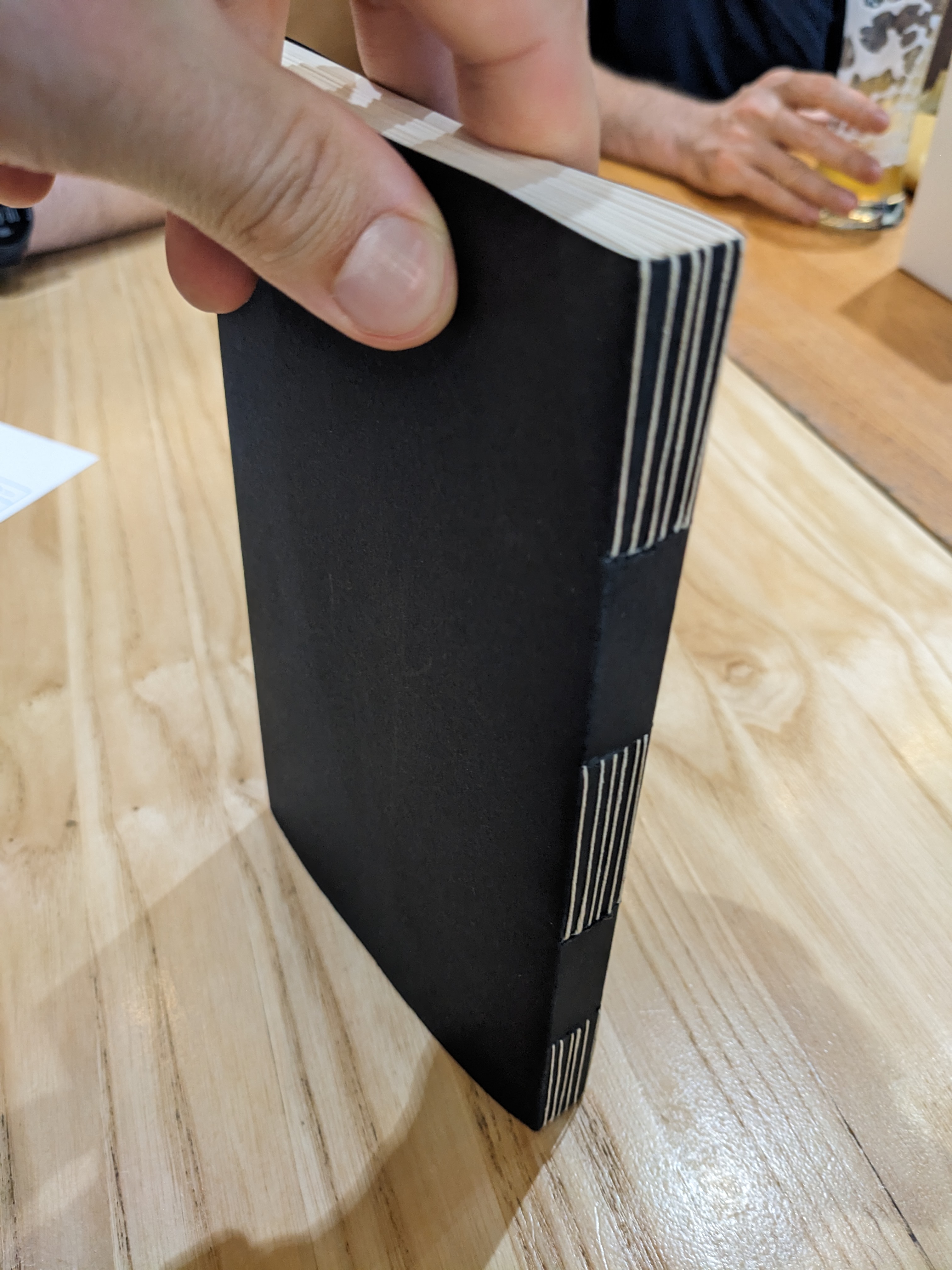
Paper
Now you’ve seen some videos, you’ve got some tools, so it’s time to grab some blank paper, right? This is probably the first major hurdle you’ll face. Basically all consumer A4 paper is long grain—so it folds naturally along its long side. If you want to make an A5 (or similar) book, this raises an issue: you’d be folding the paper against the grain, which is ugly and stiff. So you need to go down to A6 size to have the grain direction align with the spine.
What to do? My first thought was “easy, I’ll just get A3 paper and cut it in half”… not so fast! Most commercial A3 paper is short grain; cut it in half and we’re back where we started. Basically, unless you’re fine with only making A6 size books, or are using grainless handmade paper, you’re going to have to source some specialised paper.3 This is often provided in large sizes (like 540mm x 840mm), but suppliers will cut it based on your specifications. Before you choose your type of paper, you should try out some free samples. I went with Holmen Book Cream 80gsm, and sent them this diagram to make sure the cut is done properly:
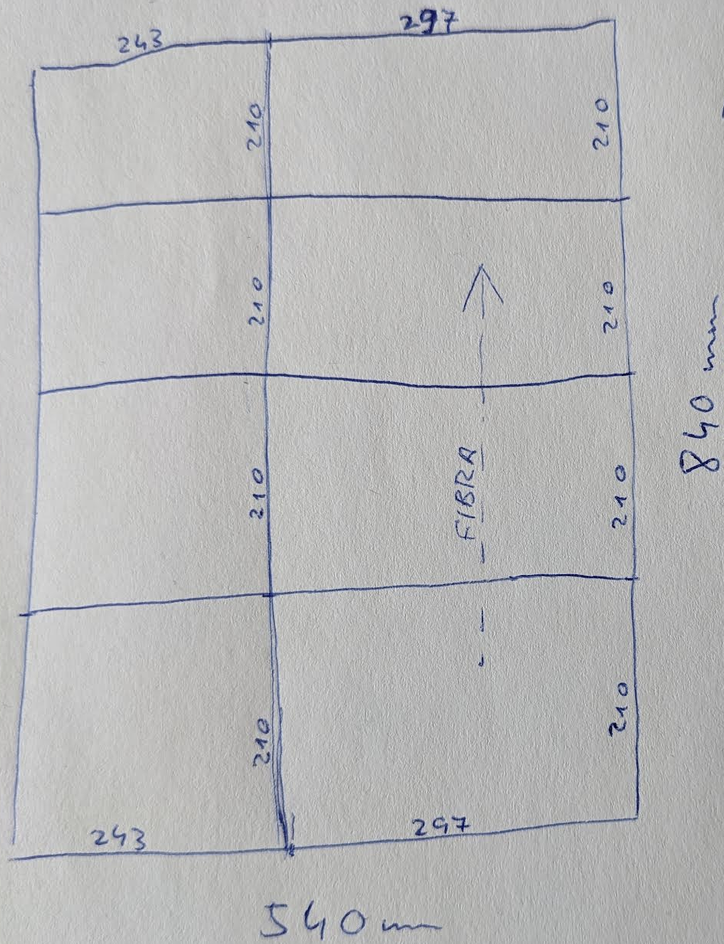
I now have huge stacks of short-grain 297x210 (A4) and 243x210 mm paper, so if you’re in Bucharest and want to get started, I’d be glad to hook you up :)
Covers and endpapers
As you’re starting out following guides and tutorials, choosing your materials is the first time where you get to play the designer (or the kid in the candy store) and look for paper and bookcloth to match the style and destination of the thing you’re binding. Many of the suppliers mentioned on reddit or in books are US/UK/AU specific, so here are some EU sources I’ve found.
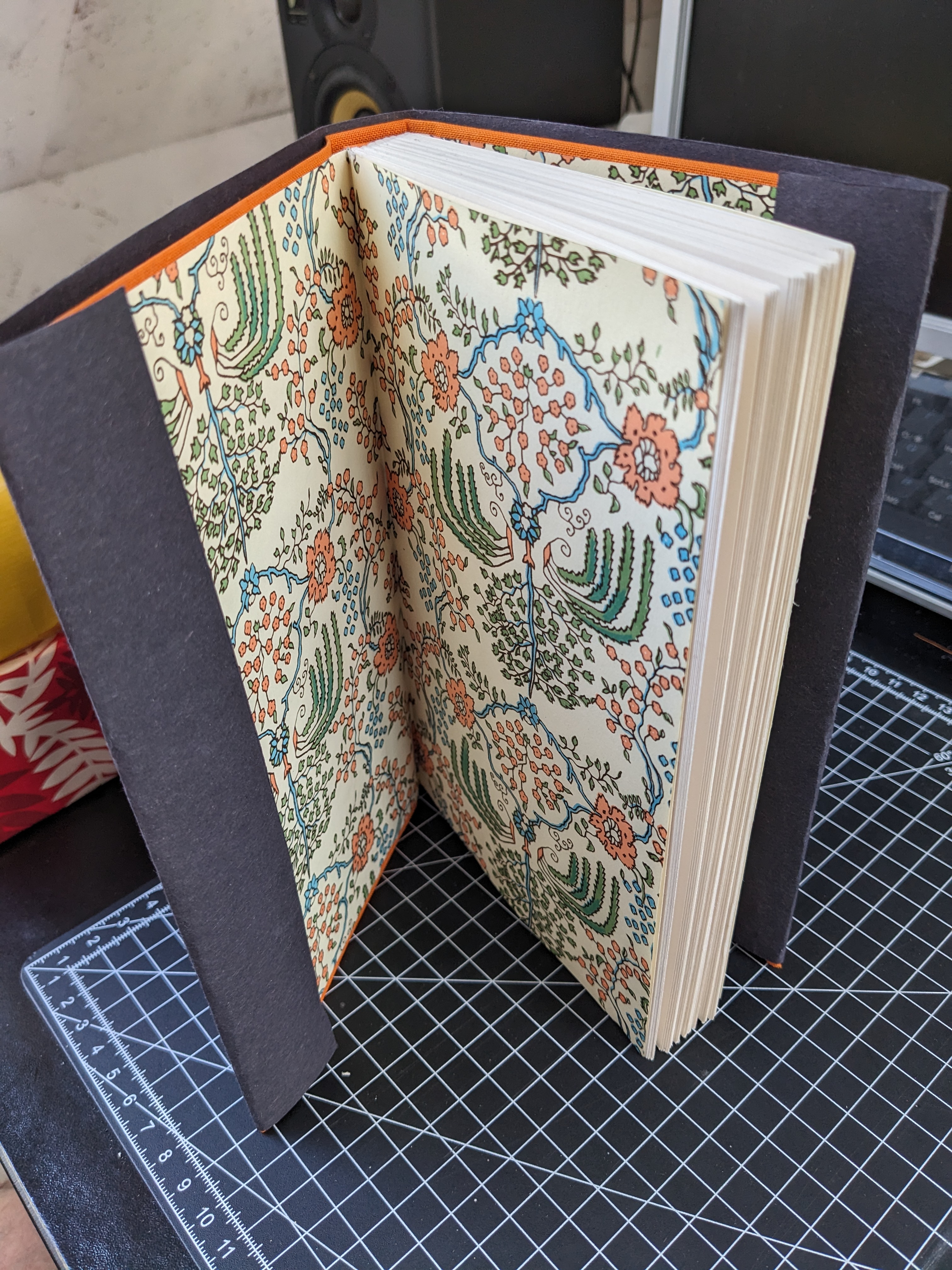
I got decent bookcloth (used mainly for covering cardboard covers) from the bald devil’s website, where I also sourced some of my tools (needle, skalpel, awl, cutting mat).
As for endpapers (the paper between the inside of the cover and the first page of the book), from what I’ve seen so far, decorative paper for bookbinding is not that easy to find in regular arts and crafts shops, and when they do have some the options are limited. Still, it’s always worth asking—I had a lovely interaction around Virginia Woolf with a shopkeeper in Genova back in April.
If you live in Berlin or have friends there, Modulor is great for paper and I also got other things (linen thread, bone folder, round brush) from there.
Recently I received some beautiful paper from ollilypaperware. And if you’re in the Baltics, do check out zelluloos—I’m hoping to go to Tallinn next year and can’t wait to explore that shop!
Setting the books
Blank notebooks are fine and all, but I’m really into making actual books, you know.4 You’re out with friends, someone casually mentions something and you think “I know just the book that’ll match that”, and later you put it in front of them. Yep, that’s the level of awesomeness we’re talking about.
So, what will you use as a source? One option is a (scanned) PDF. These are usually not ready for printing right away—you need to crop/rotate them and (except for any colour illustrations) make sure they’re pure black-and-white (not greyscale). For this the handiest tool I’ve found is called NAPS2. It’s free and easy to use to quickly process many pages.
The other option is getting your text (which doesn’t have to be an actual book, it could be things you found online, or emails you wrote 10 years ago, podcast transcripts, whatever) and typesetting it yourself: choosing a font, setting margins etc. Again, you can just do this in GDocs or Word and export to PDF, or you can go the extra step and use Affinity (free alternative to Adobe InDesign) to lay out your book like a pro, or close to it. Another tool I found on reddit and would like to try in the future is Typst. More on typesetting books at the end.
Formatting and printing
So you have your PDF, now how to print it? A basic folio for a pamphlet will have pages 2&3 on one side of, say, an A4 paper to be folded in half, and pages 1&4 on the other side. The more sheets of paper you have, the more complicated the numbering gets. This—preparing pages for bookbinding—is called imposition, and there’s an online tool that makes the whole process quick and easy: Bookbinder JS.
My first few books were printed on A4 paper, which is great for A5 size notebooks etc. However, for many books, I’ve discovered that my stack of 210mm x 243mm (a “less tall” A4) paper is more appropriate. I’d never stopped to notice that most books are in fact narrower than an A5 notebook!
So, after exporting your PDF as single pages5 in the appropriate custom size (which would be 121mm x 210mm in my case, a “narrower” A5), it’s super easy to format them in Bookbinder JS using these settings:
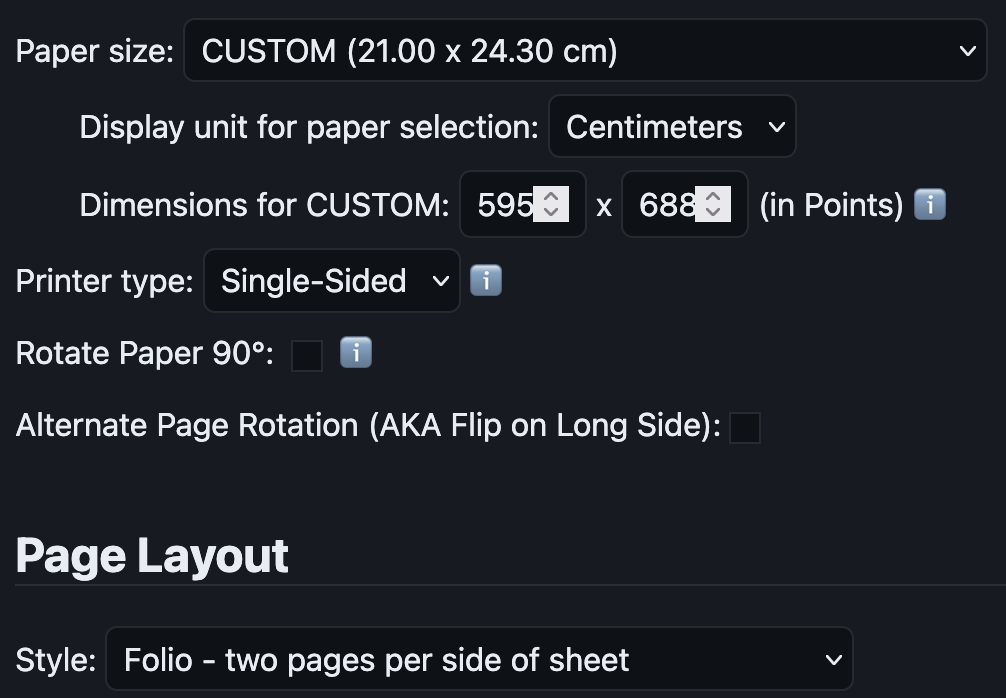
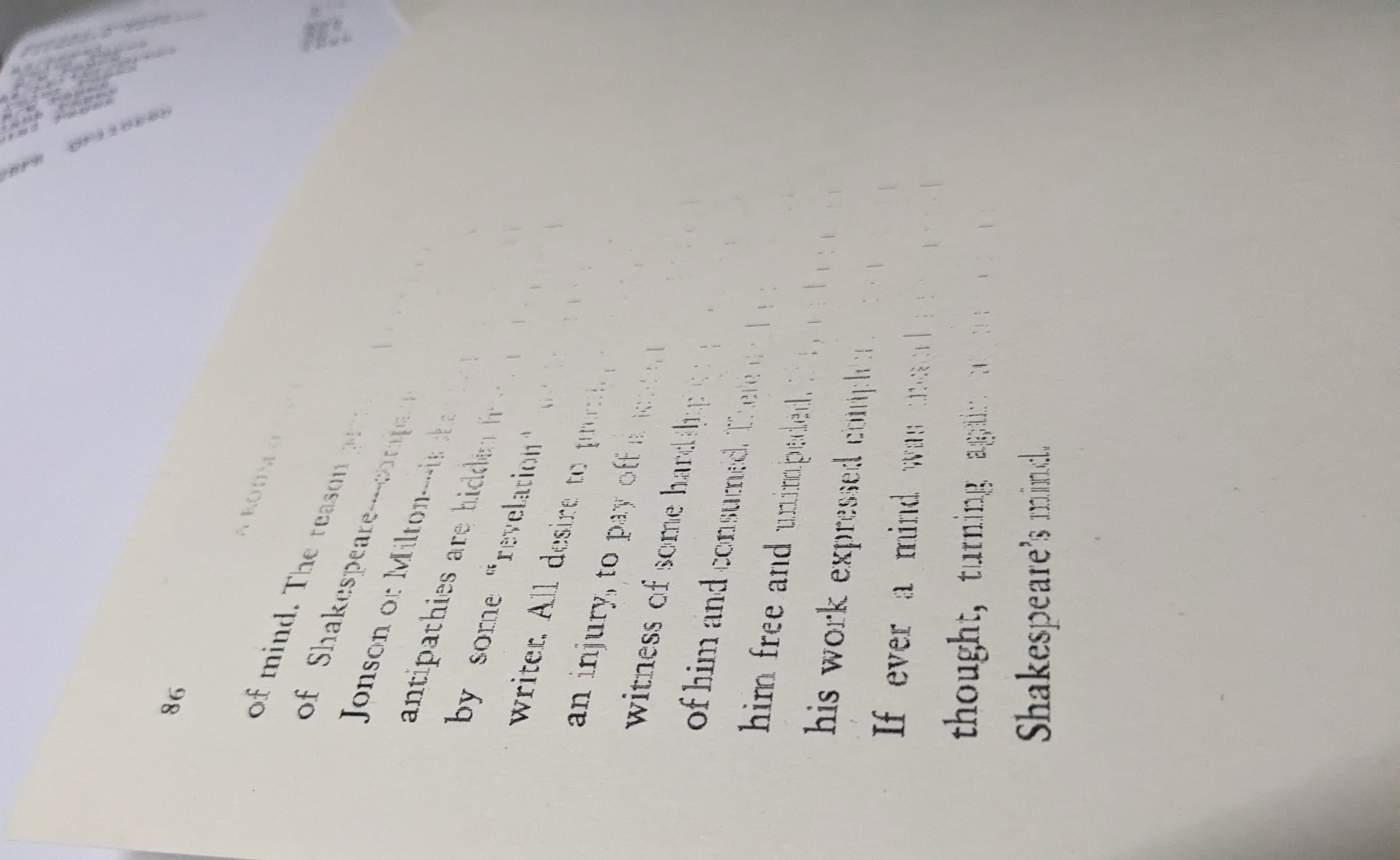
Now, printing the pages is the most stressful part for me (that’s right, even more than using glue!) because it’s literally out of my hands. I did consider professional print shops but I’m wary of trusting my precious paper to them. I’d rather waste it myself. Without further ado, I place a stack of paper in the accursed Epson inkjet printer, A4 size, set it to “Matte Paper”, “Quality”, “Greyscale”, and pray that it comes out OK without smudging the reverse side, misaligning the print or running out of ink midway.
What to watch
Finally, my youtube recommendations once you’re done with the basics playlist mentioned above.
The DAS Bookbinding channel is the most comprehensive and thoughtful, as well as beginner-friendly once you get the order right.
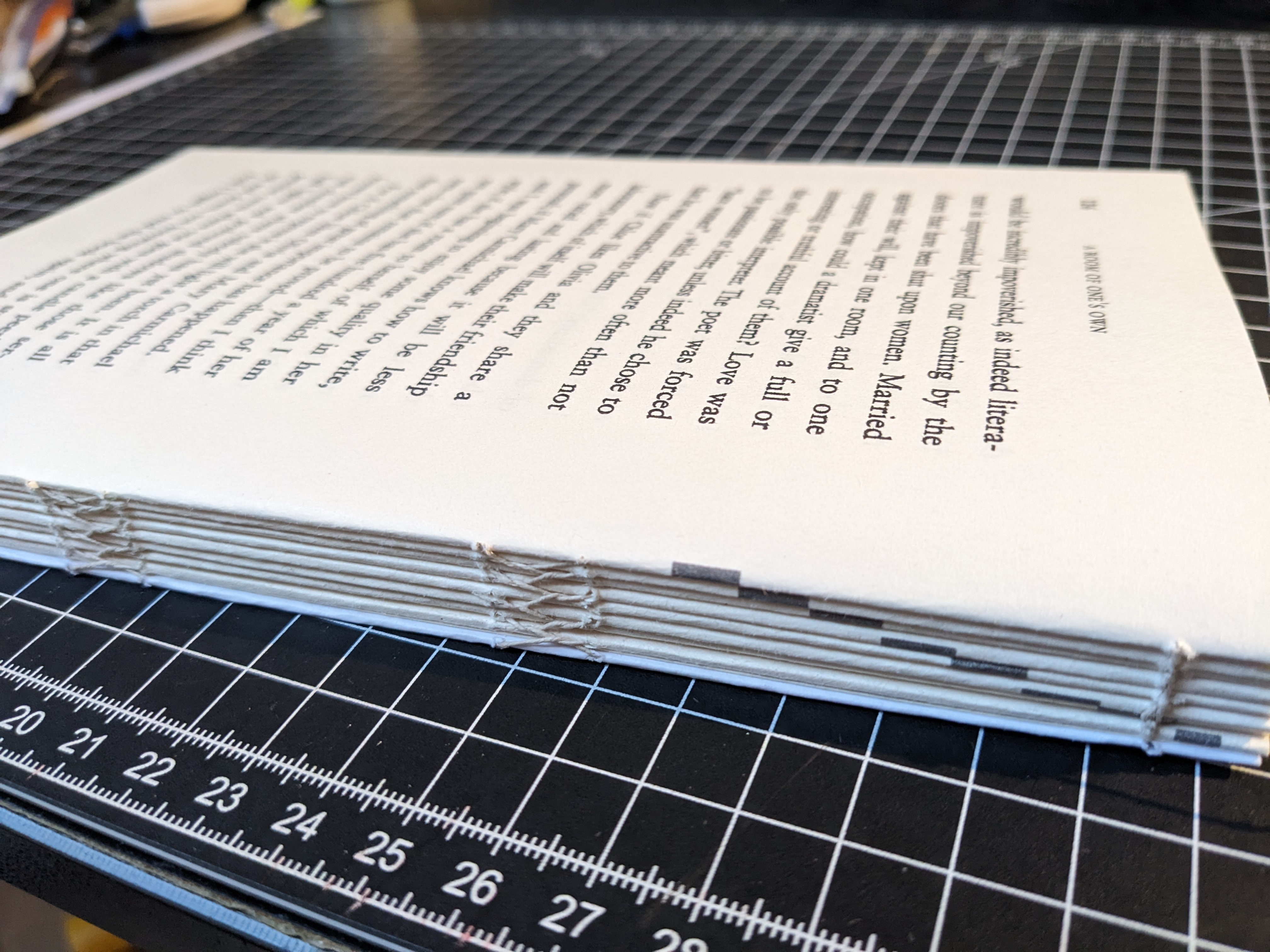
I highly recommend the Square Back hardcover binding video, but the sewing there is on bands, which I haven’t tried yet. Instead, I prefer the “French” kettle stitching, which is demonstrated in the Sewn Board binding video. His endpapers playlist is great too—I love the Made Endpapers and Sewn Board designs because they involve minimal glue.
Other videos:
- this one demonstrates making a softcover book, and uses “Smyth” sewing, which as far as I understand is similar to the sewing in industrial-made books, where signatures are not kettle-stitched between each other. This is fine when you don’t have that many pages.
- this one I bookmarked for the demonstration on making endbands. You’ll also find this elsewhere, but I like how it’s shot here.
- finally, I always love watching Rajiv, he just seems to excel at everything.6
But yeah, I always return to the DAS Bookbinding channel for the true quality stuff.
Bonus: naive thoughts on typesetting
I learned Affinity using this book. If you decide to go this route (and, for anything resembling a real book, you really should) then just work directly in the layout software—don’t set your headings etc in Word or Libre Office first and then move to Affinity, which is what I did at first, just doubling the work.
Typesetting a book is truly a fascinating process. Of course I’m only scratching the surface and there’s people dedicating their life to this. If, like me, you have a curiosity about type, take some time to read about it before starting to consider fonts etc. Read Detail in Typography, it’s short but truly eye opening.
Then of course there are seminal manuals and treatises on type and book design which you can read but who are we fooling, we’ll never be more than dillettantes in this field. And that’s OK! The best we can start with, I think, is transposing an existing setting to a more modern look.
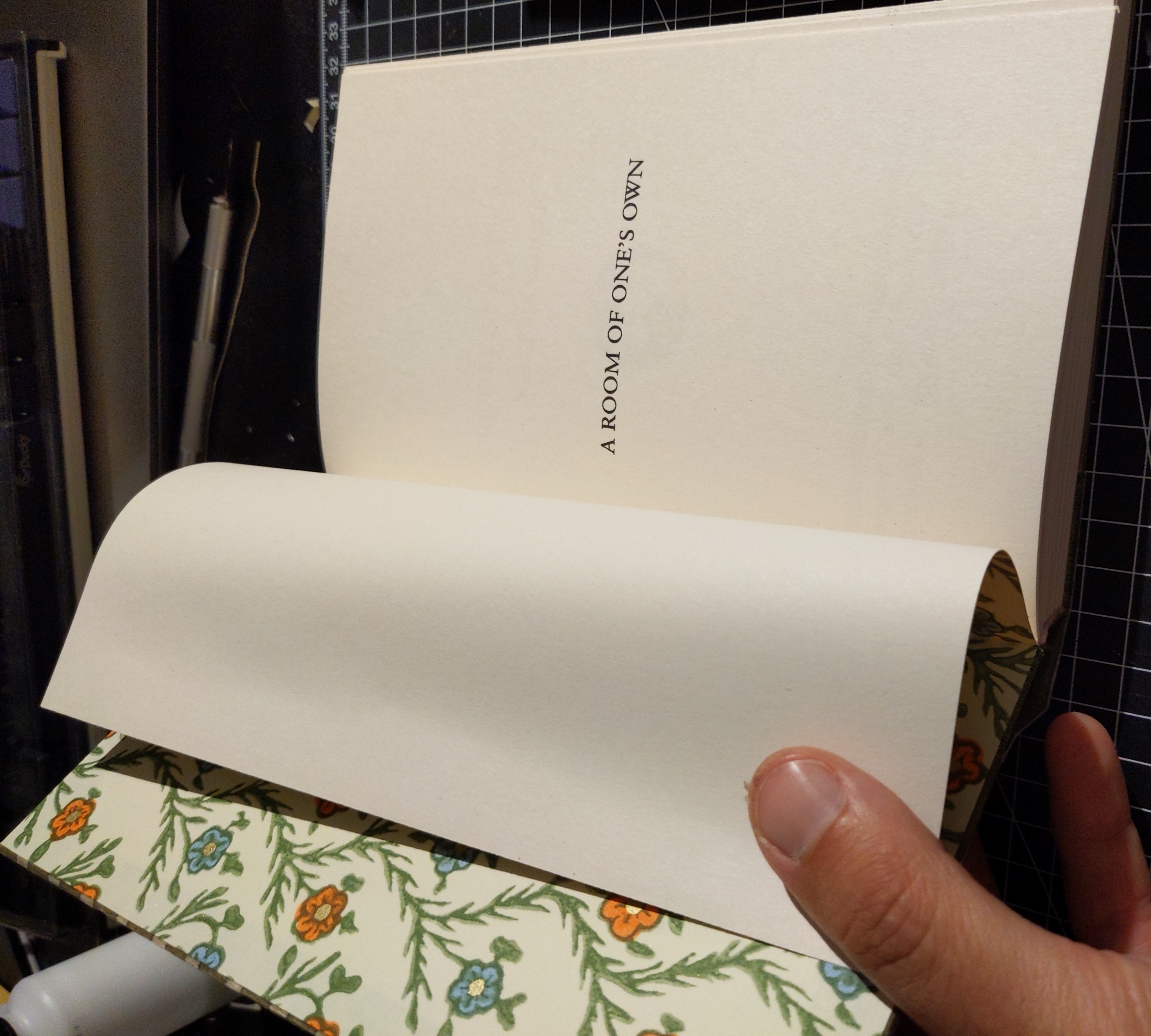
That’s what I did with my latest project, a binding of Woolf’s A Room of One’s Own. There are a couple of useful classic versions of this book on archive.org, one of them quite charmingly marked by someone in French:
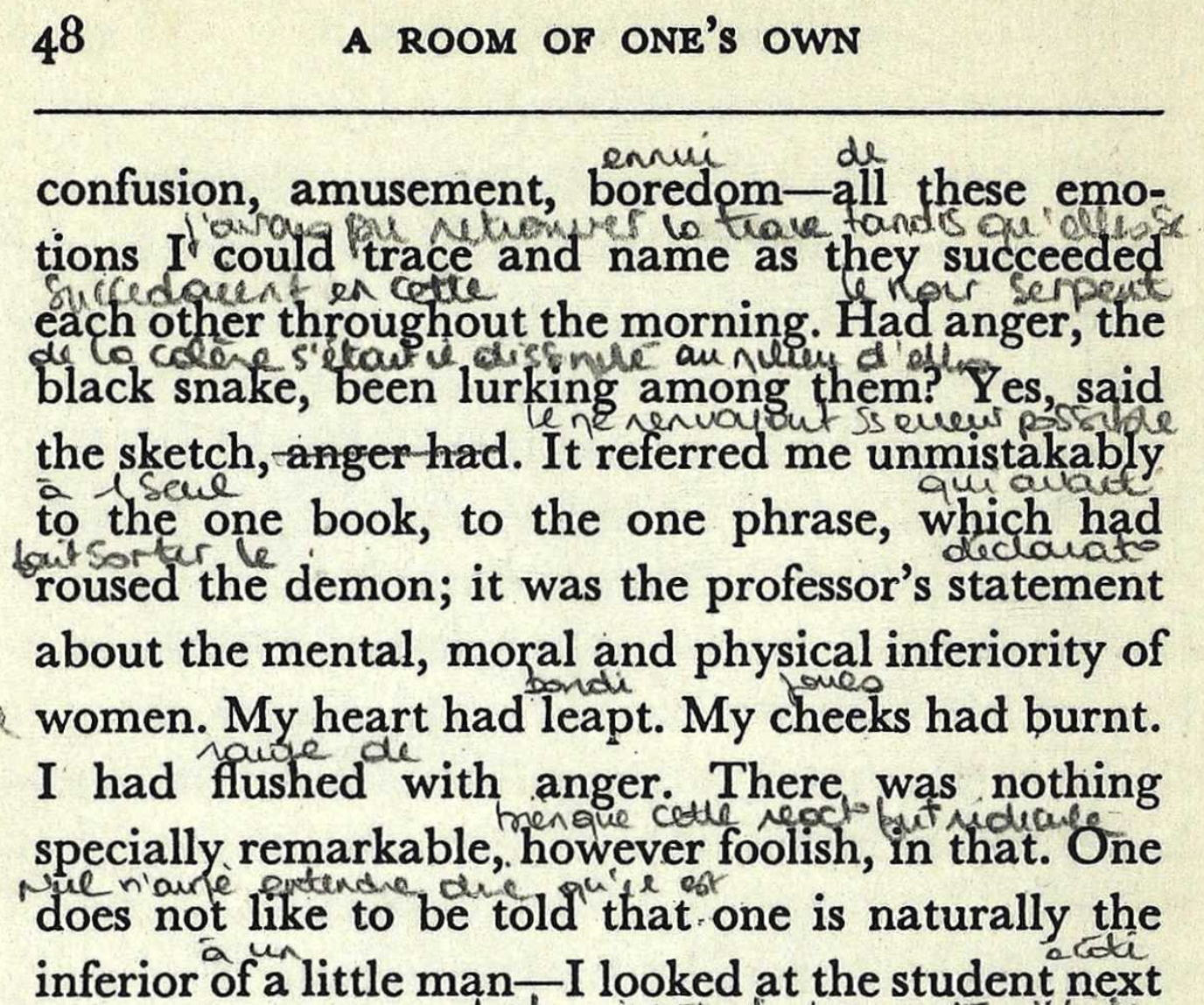
I picked the design elements I liked and removed what seemed superfluous, but I wanted to respect the original text flow. It’s obvious that things like hyphenation at the end of the line help reading flow (one of the places where ebooks fail in comparison), so when faced with the question of where to hyphenate, I’m happy to defer to the experts of yesteryear. Also, it’s cool to be able to retain page number references to the original.
Methodically going through a book line by line7 is a revealing experience. You’re not exactly reading the text again, but you are traversing it, sort of getting an X-ray of the thing. I chose the font, size and leading8 so that most lines would fit automatically, but sometimes I’d have to send a word to the next row manually. Other times however, I’d need to bring an extra word back up into the line—which is where manual kerning comes in! Looking for the best spots to hit Ctrl+LeftArrow to bring characters closer together was quite fun.
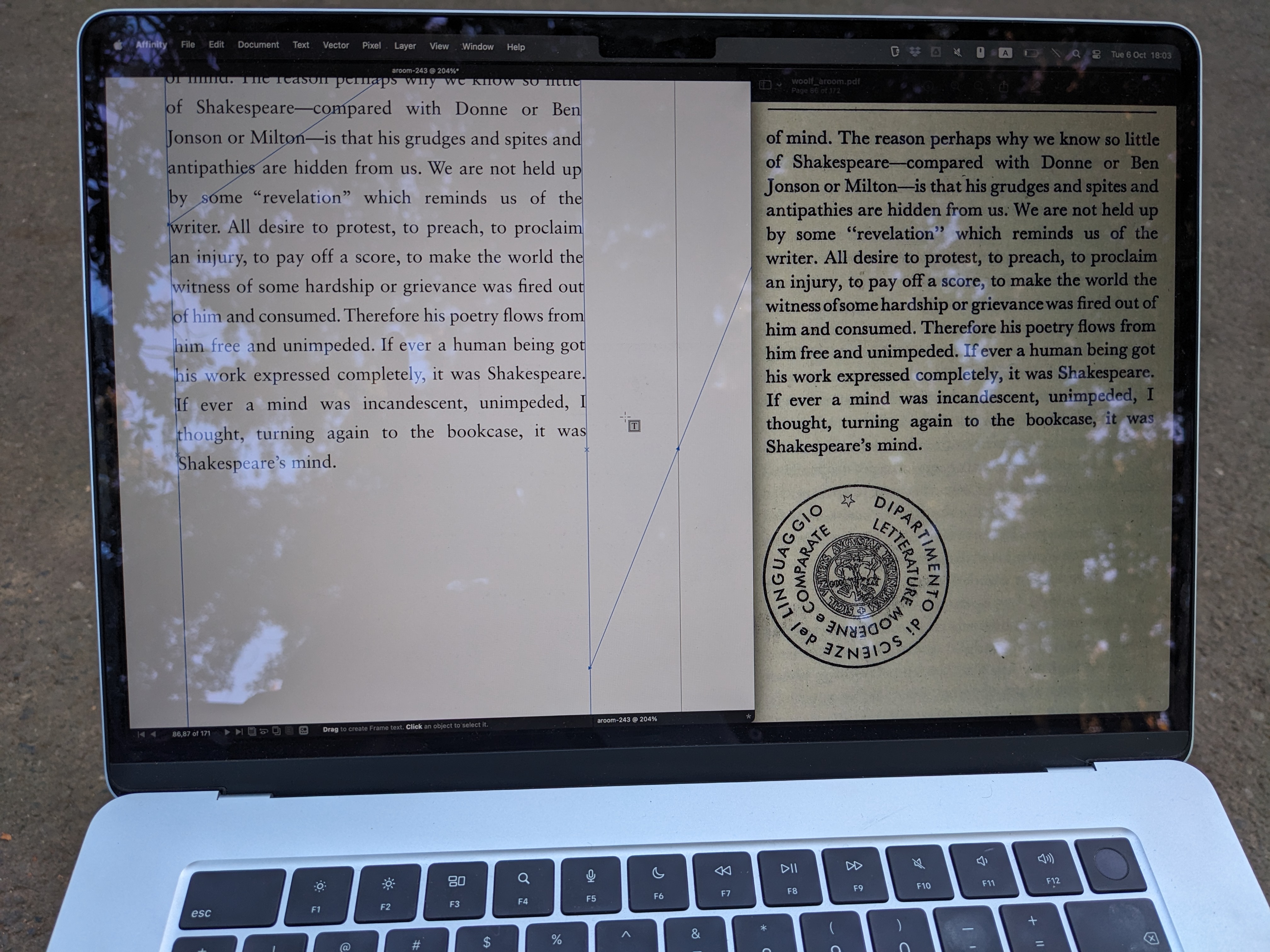
It remains a total mystery to me how something like this was achieved prior to digital typesetting software. But I like it this way; it really feels a little like magic.
-
I mean it. In primary school, the only class I truly dreaded was handicraft, anything involving paper and glue. I was so glad when I never had to use glue again. Now I’m still not great at it (I’m always afraid of laying on too much!) but I’m enjoying the process. ↩
-
I’ve never felt the need for a piercing cradle, and I’ll give you a better link for the Sewn Boards binding below. ↩
-
Depending on where you live, this might be easier or harder to do. In my case, I had to go to a specialised paper supplier who only deals in bulk. ↩
-
Don’t print books by living authors, that are commercially available. Or do. I’m not your mother. ↩
-
as opposed to page spreads in Affinity, which confuses Bookbinder JS. ↩
-
except singing in tune. His canto lesson video is pretty funny… You gotta admire his positive attitude. ↩
-
line ending by line ending, to be more exact. ↩
-
(space between lines) ↩